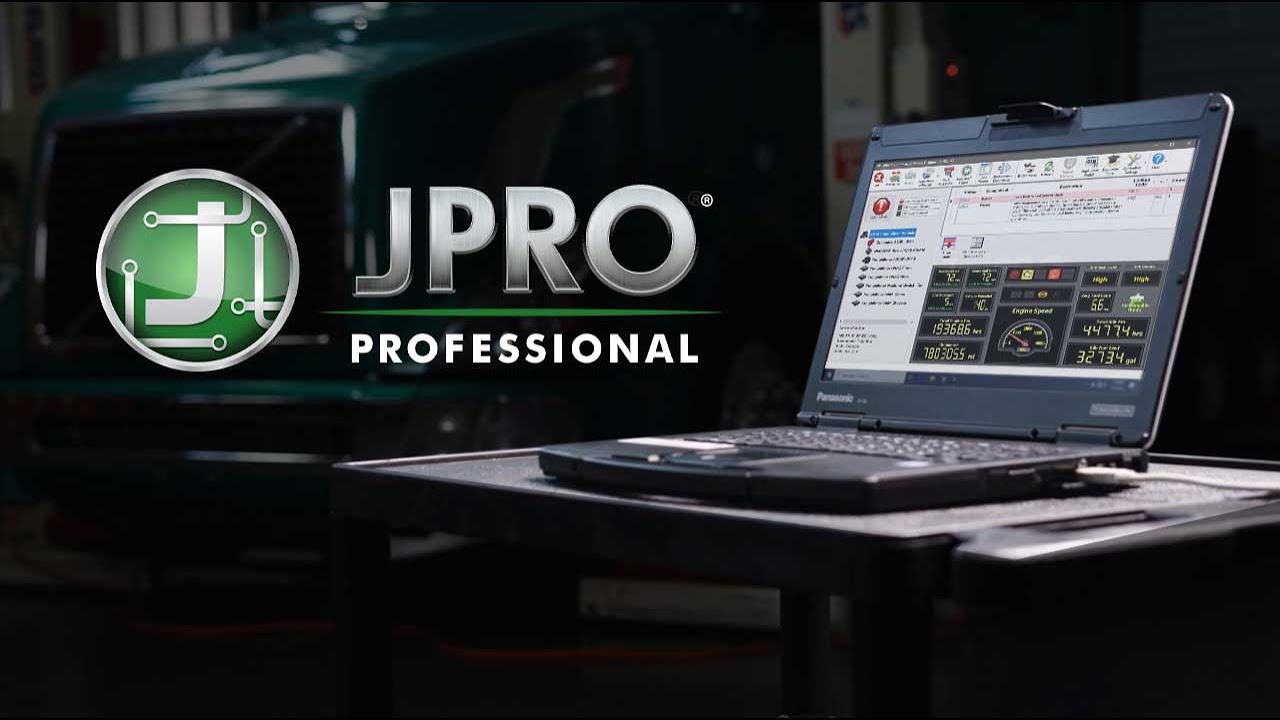
JPRO software is a leading tool in the heavy-duty vehicle industry, designed to provide fast and accurate diagnostics for a wide range of vehicles. It is an all-inclusive solution that allows technicians to identify problems quickly, reducing downtime and increasing productivity.
To use JPRO software effectively, you first need to install it on your device. The software is compatible with Windows operating systems and requires a stable internet connection for updates and data synchronization. Once installed, connect the diagnostic adapter to your vehicle’s diagnostic port. Then link the adapter to your computer using either a USB or wireless connection depending on the model of your adapter.
Upon launching jpro software, you will be greeted by its user-friendly interface. On this home screen, you can access various features such as DTCs (Diagnostic Trouble Codes), live vehicle data, component information, and service manuals among others.
One of the key features of JPRO software is its ability to read Diagnostic Trouble Codes (DTCs). With just one click on ‘Auto Detect’ button after connecting with the vehicle’s engine control unit (ECU), it identifies all active and inactive faults across all systems including engine transmission, ABS brakes etc., not only providing codes but also offering detailed descriptions alongside each code making it easier for technicians to understand what’s wrong with their vehicles.
Another important feature is live data viewing which allows users to view real-time information about their vehicles’ performance parameters like engine speed, coolant temperature or fuel pressure etc. This helps in understanding how well different components are functioning under various conditions thereby enabling proactive maintenance before any major breakdown occurs.
In addition to these features, JPRO provides comprehensive component information including part numbers and calibration IDs which can be very useful when ordering replacement parts from manufacturers or distributors.
Furthermore, through its built-in NextStep Repair feature; JPRO offers step-by-step troubleshooting guides based on detected DTCs helping technicians diagnose even complex issues accurately without needing expertise in every system or component of a heavy-duty vehicle.
Moreover, JPRO software comes with automatic updates ensuring that you always have access to the latest diagnostic capabilities and repair information. This feature is particularly useful because it keeps pace with ever-evolving technology in today’s vehicles.
In conclusion, using JPRO software for heavy-duty vehicle diagnostics can greatly simplify the process and increase efficiency. By providing fast, accurate diagnostics along with detailed descriptions, live data viewing, comprehensive component information and step-by-step repair guides; it empowers technicians to diagnose and fix issues quickly reducing downtime significantly. Hence, whether you are an independent service provider or part of a large fleet operation; incorporating JPRO into your diagnostic procedures can prove to be highly beneficial.